Artificial Brush Strokes
04 Apr 2020 • programming, art,
I found the same to happen again, as I set about trying to emulate brush strokes, more specifically, the kind of stroke you might get from dragging a flat brush across a canvas, (hard enough that you can begin to see lines from the bristles).
The approach was fairly straightforward - take an initial source image, repeatedly and randomly sample points for their colour, and redraw these points on a new canvas as a brush stroke in the same (or similar) colour. To determine the brush stroke shape, one option might have been so start with a polygon and randomly deform it until it looks natural (I’ve explored this idea in watercolour recreation). I opted instead to just draw many, many lines densely on top of each other (with slight angle variations), to simulate the way bristles might leave paint on the page.
I slightly varied the colour of each line in these strokes to half mimic a real brush - after dipping a brush in paint, there’s still traces and mixes of previous paints that vary the colour naturally.
Human artists also don’t tend to apply brush strokes in random directions. Their direction either follows the shape of their subject, or the direction of the strokes around it. To achieve a similar effect (without having to do any more processing on the original image), I used Perlin flow fields (more on this in a future post), to ensure brush strokes appeared to flow in similar directions, rather than at random angles.

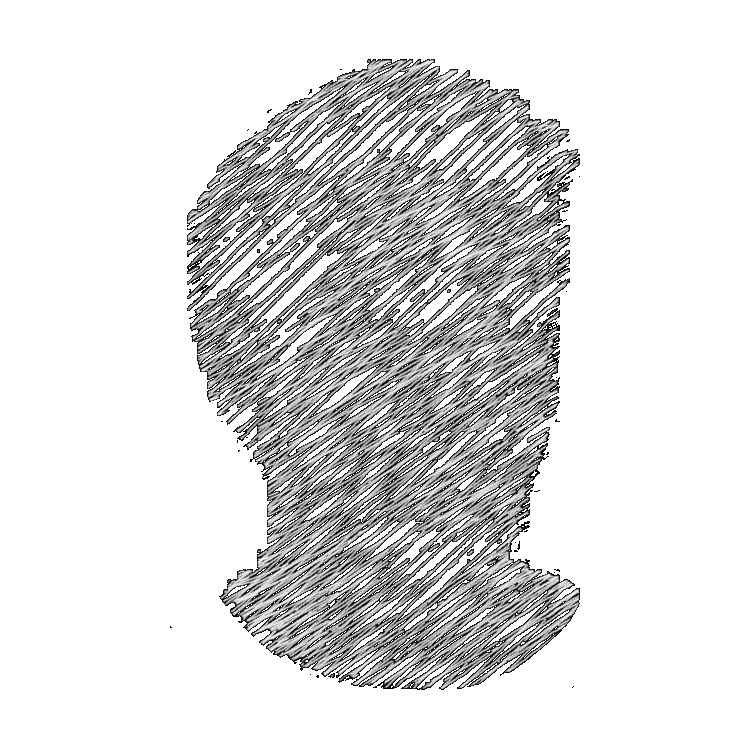
The above is the result of this process, and although it doesn’t necessarily appear realistic, I find that it has it’s own, notable effect.